
Program
Configure your gift card programme settings.
The Program page (shown as Gift Card Program) covers configuration that applies across your whole gift card programme, split into five tabs: Redemption, Configuration, Legal, Support, and Templates. Select Save changes after making edits; a Saved indicator confirms changes were stored.
Redemption
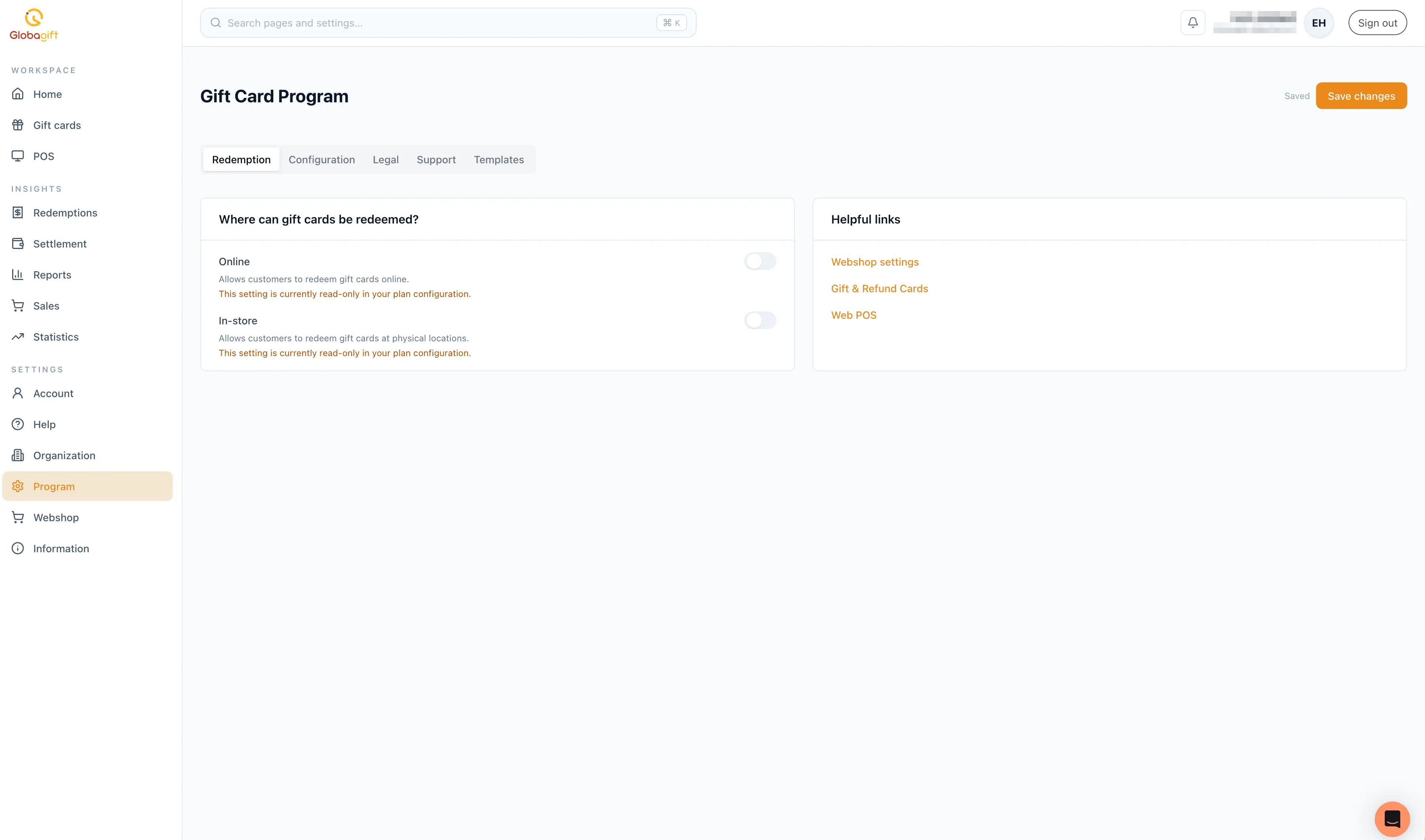
Controls where customers can redeem your gift cards: Online and In-store, each as a toggle.
May be read-only
Depending on your plan, one or both of these toggles can be read-only, shown with a note that the setting is fixed by your plan configuration rather than changeable here.
A Helpful links panel links out to Webshop & Integrations settings, Gift & Refund Cards, and Web POS.
Configuration
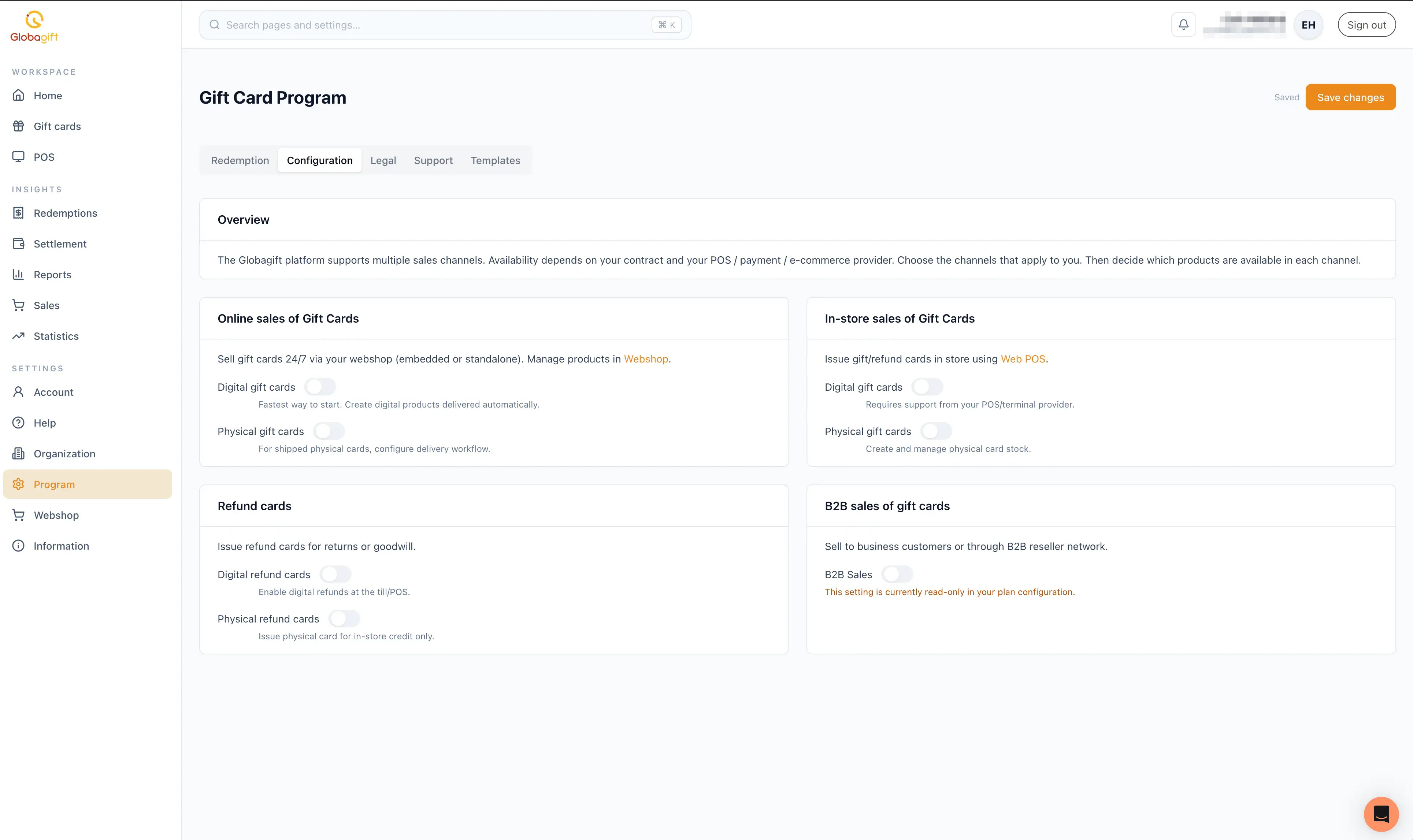
Controls which sales channels are enabled, and which product types are available in each:
- Online sales of Gift Cards: toggle gift cards (delivered automatically) for sale through your webshop & integrations.
- In-store sales of Gift Cards: toggle gift cards for issuance via Web POS. Some options may depend on support from your POS or terminal provider.
- Refund cards: toggle refund cards, used to issue store credit instead of a cash refund.
- B2B sales of gift cards: toggle selling to business customers or through a B2B reseller network. This can also be plan-restricted and read-only.
Legal
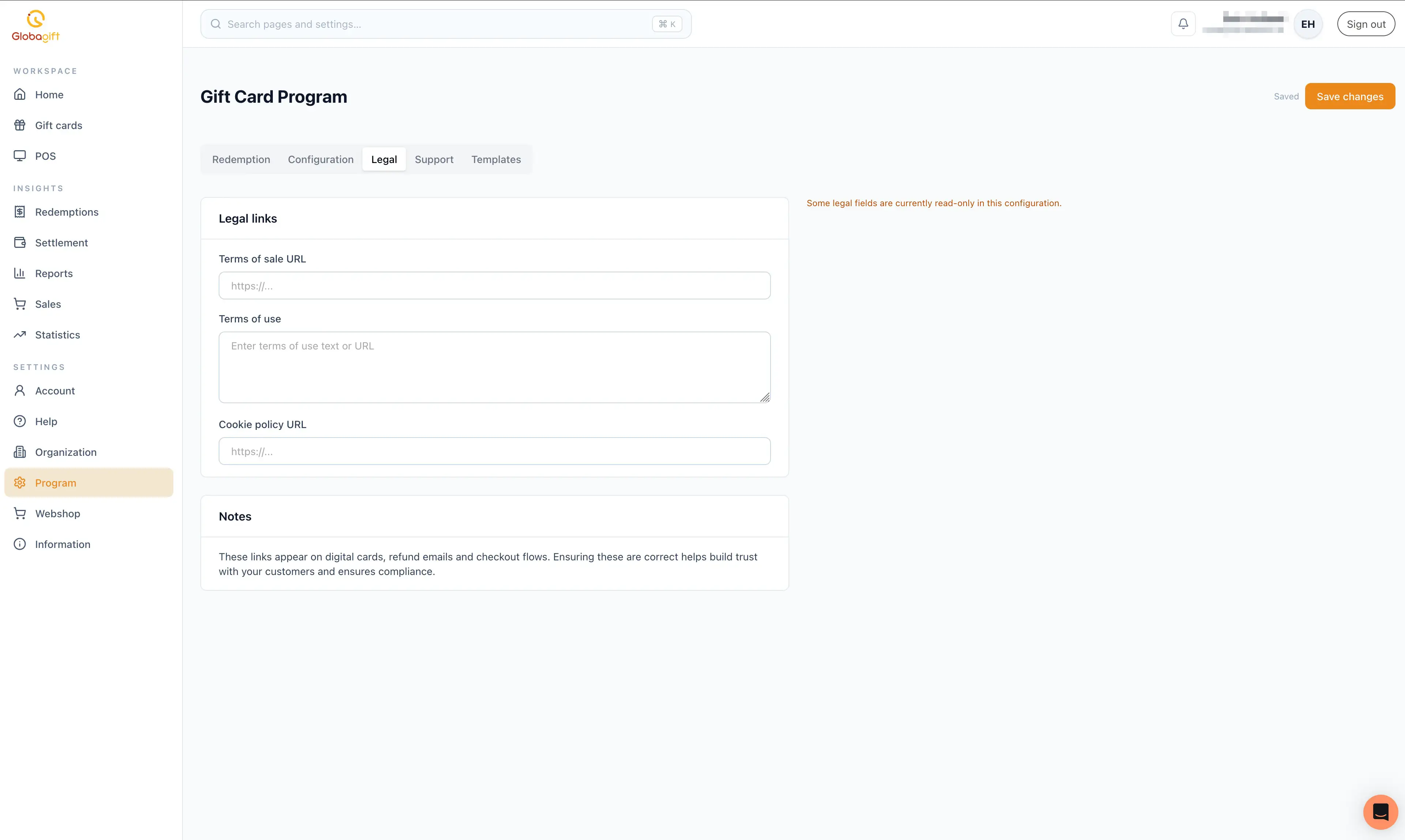
Set the Terms of sale URL, Terms of use (as a URL or pasted text), and Cookie policy URL. These links appear on digital cards, refund emails, and checkout flows, so keeping them correct helps build customer trust and supports compliance.
May be read-only
Some legal fields can be read-only depending on your account's configuration.
Support
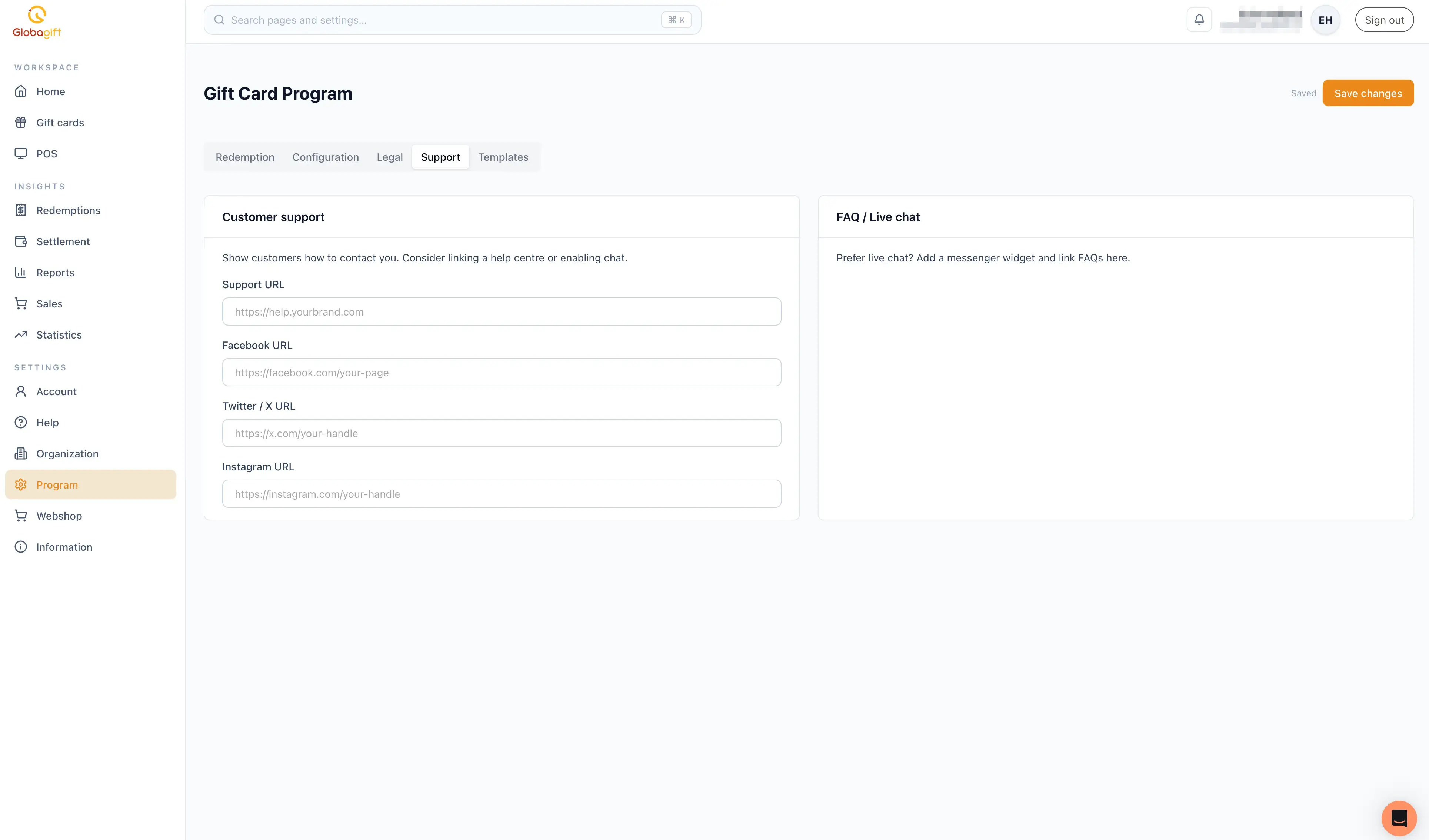
Set a Support URL, plus links for Facebook, Twitter/X, and Instagram, shown to customers so they know how to reach you. A secondary panel notes that live chat can be added via a messenger widget if preferred over linked FAQs.
Templates
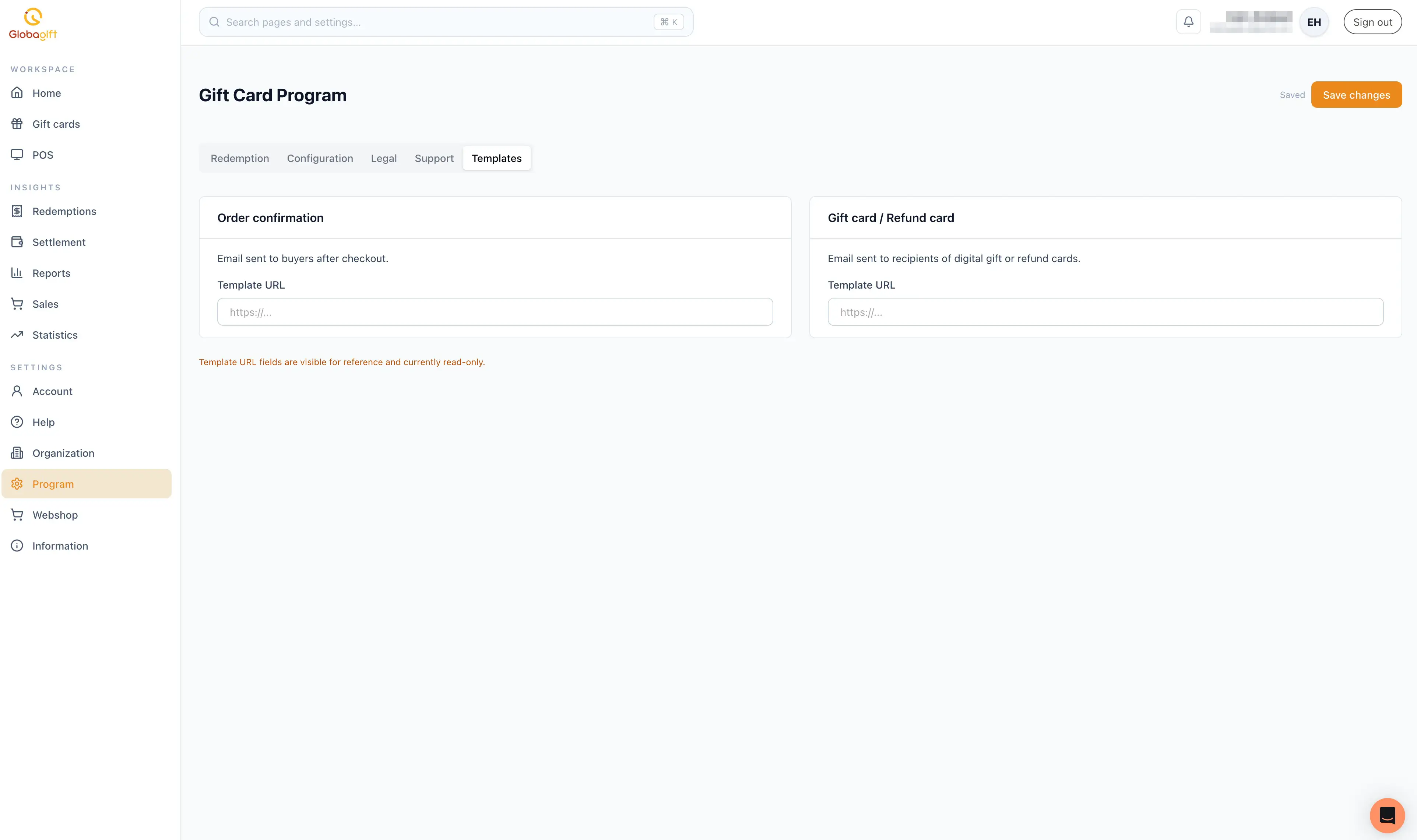
Reference the email templates sent to customers: the Order confirmation email (sent to buyers after checkout) and the Gift card / Refund card email (sent to recipients of a digital gift or refund card). Each shows the template's URL.
Read-only for reference
Template URL fields are currently shown for reference only and cannot be edited from this screen.