
Creating an account
How to register, verify, and configure your Globagift merchant account.
Globagift onboarding is self-serve. You complete a short application at app.globagift.io/onboarding, and Globagift reviews it for KYB (Know Your Business) and KYC (Know Your Customer) compliance before activating payments on your account.
Registration
The onboarding form is split into four steps:
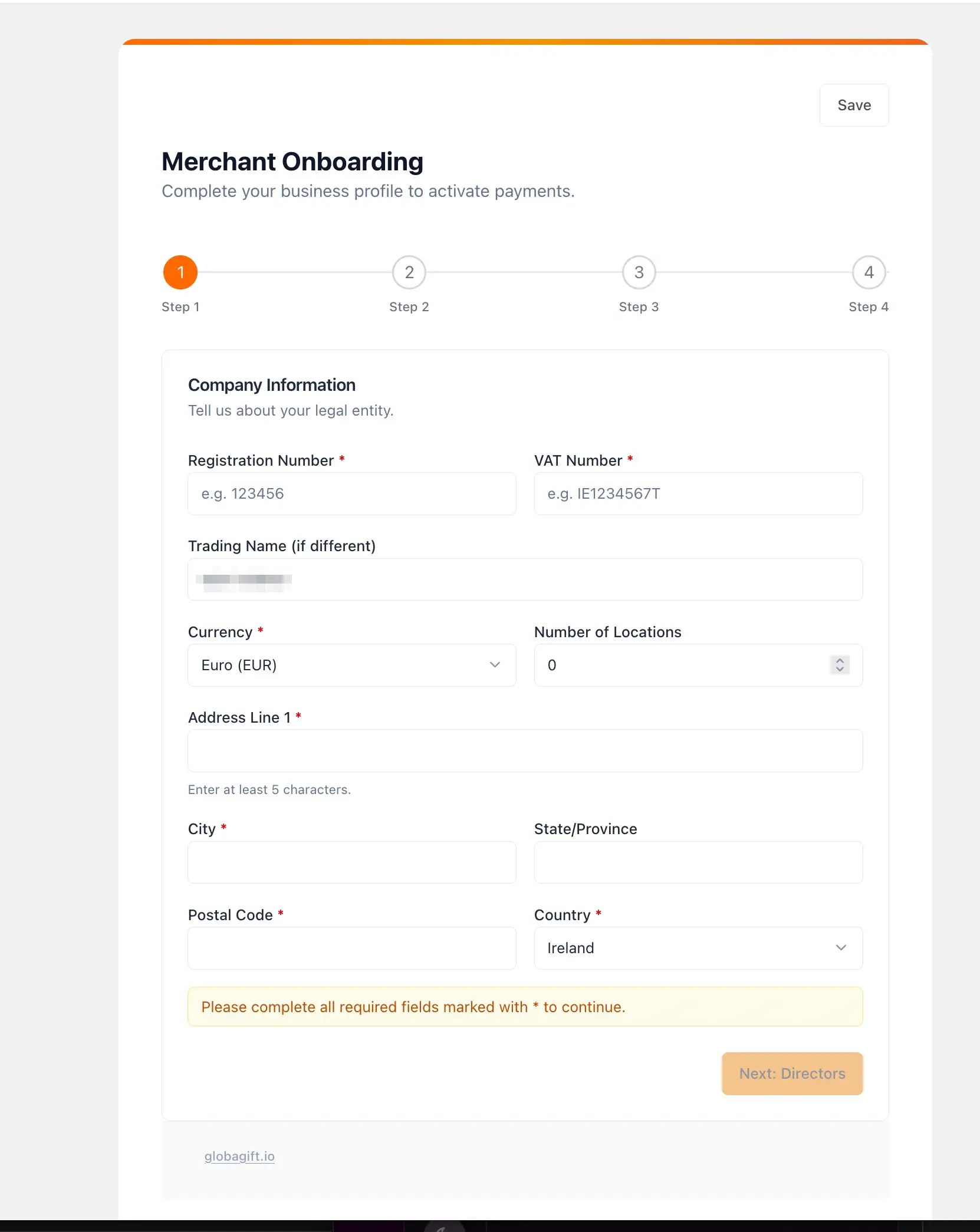
Company information
Your legal entity details: registration number, VAT number, trading name (if different from your registered name), settlement currency, number of locations, and registered business address.
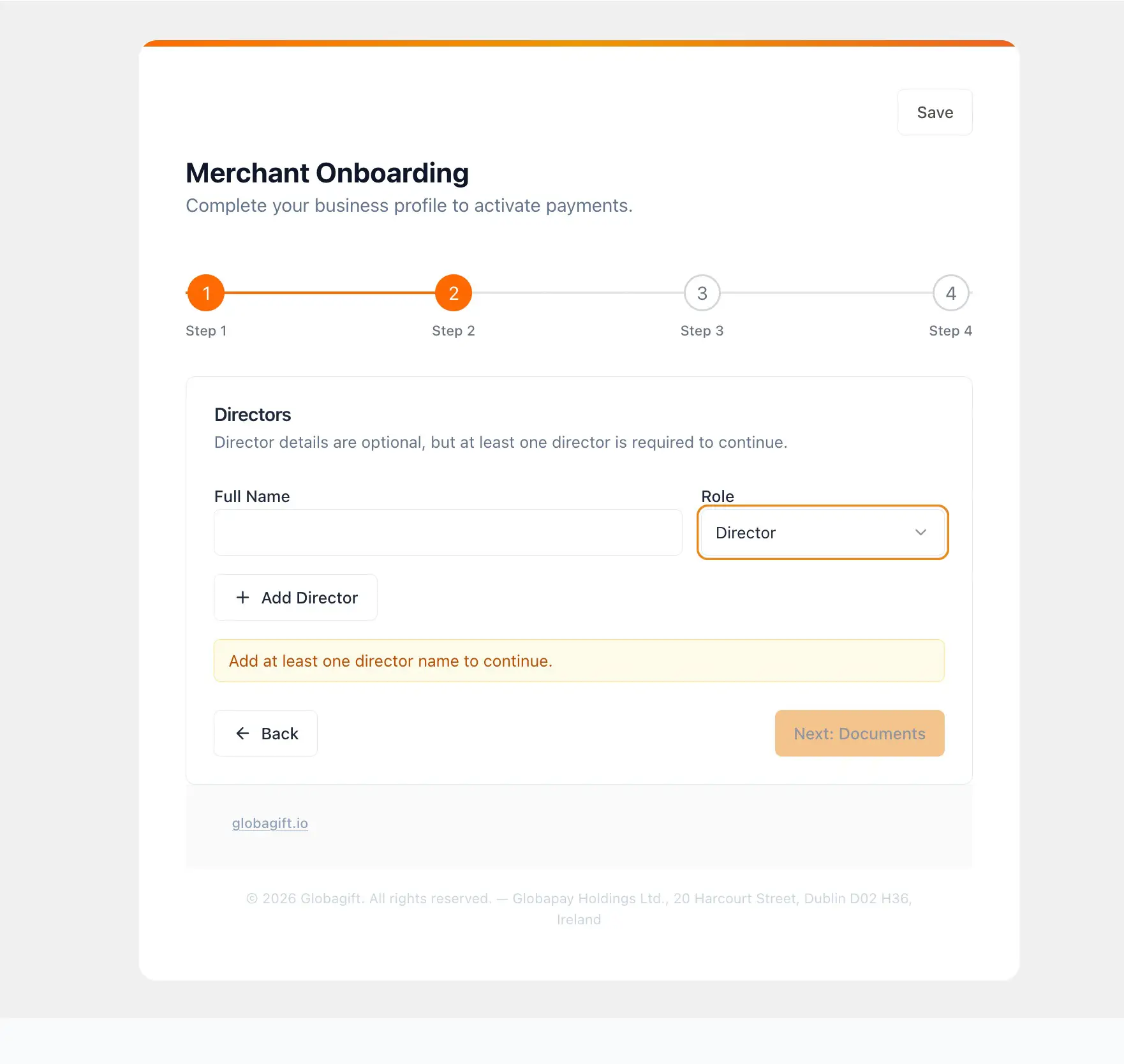
Directors
The name and role of at least one director or authorised signatory for the business. You can add more than one.
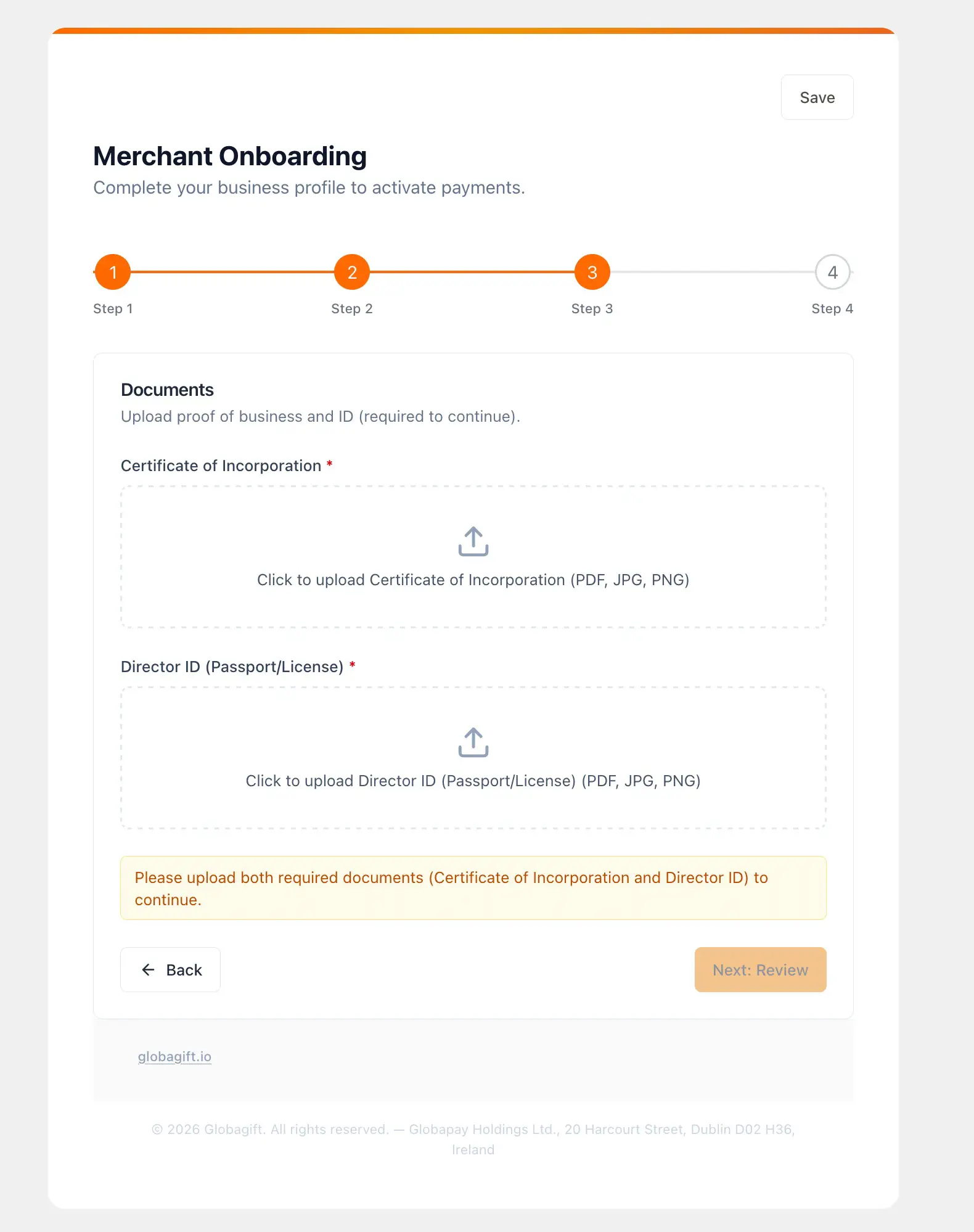
Documents
Proof of business and identity, uploaded as PDF, JPG, or PNG:
- Certificate of Incorporation
- Director ID (passport or driver's licence)
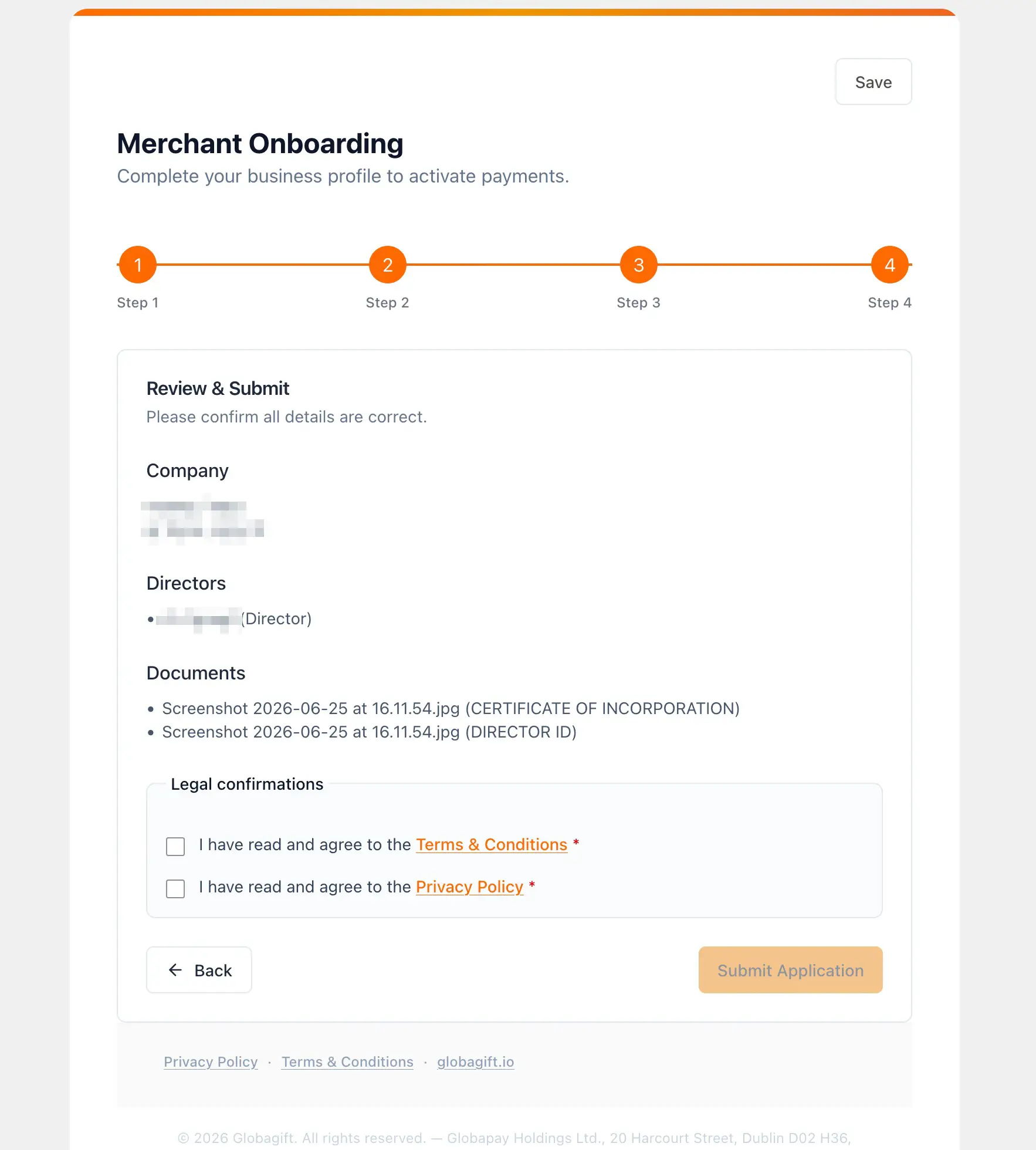
Review and submit
A summary of everything you have entered, plus the Terms & Conditions and Privacy Policy to read and accept before submitting.
Verification and onboarding
After you submit, a welcome email links you to an Application Received page showing your submission status. From there:
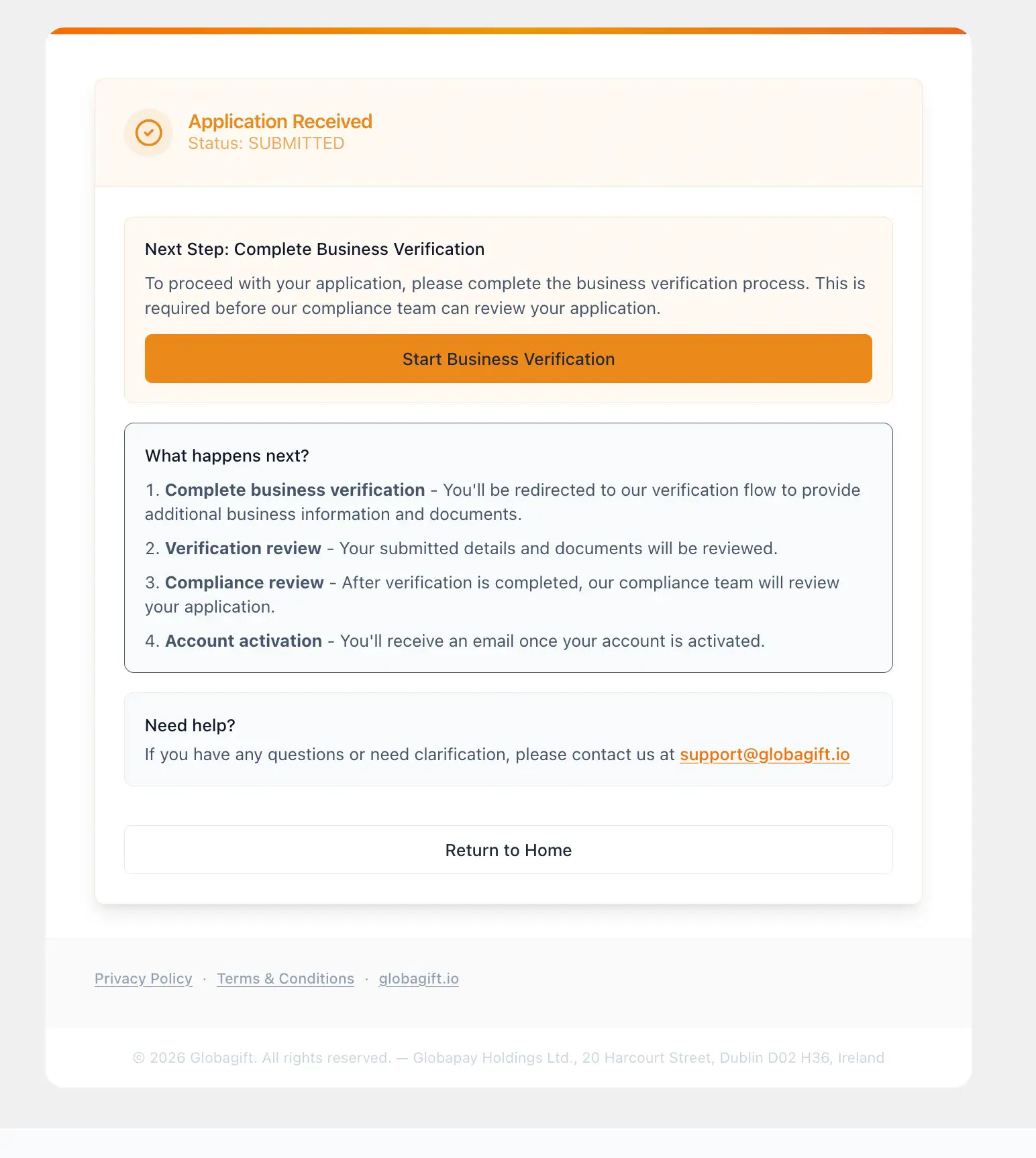
Complete business verification
You are redirected to IDenfy, Globagift's third-party identity verification provider, to provide additional business information and documents.
Verification review
Your submitted details and documents are reviewed.
Compliance review
Once verification is complete, Globagift's compliance team reviews your application.
Account activation
You receive an email once your account is activated.
Typical turnaround
IDenfy verification is usually quick. Combined with Globagift's own compliance review, onboarding is typically completed within 2 business days, often faster.
If anything in your application needs clarification, contact [email protected].