
Account
Manage your Globagift account settings.
The Account page covers your own sign-in details and security, separate from the business-level settings under Organization, Program, and Information.
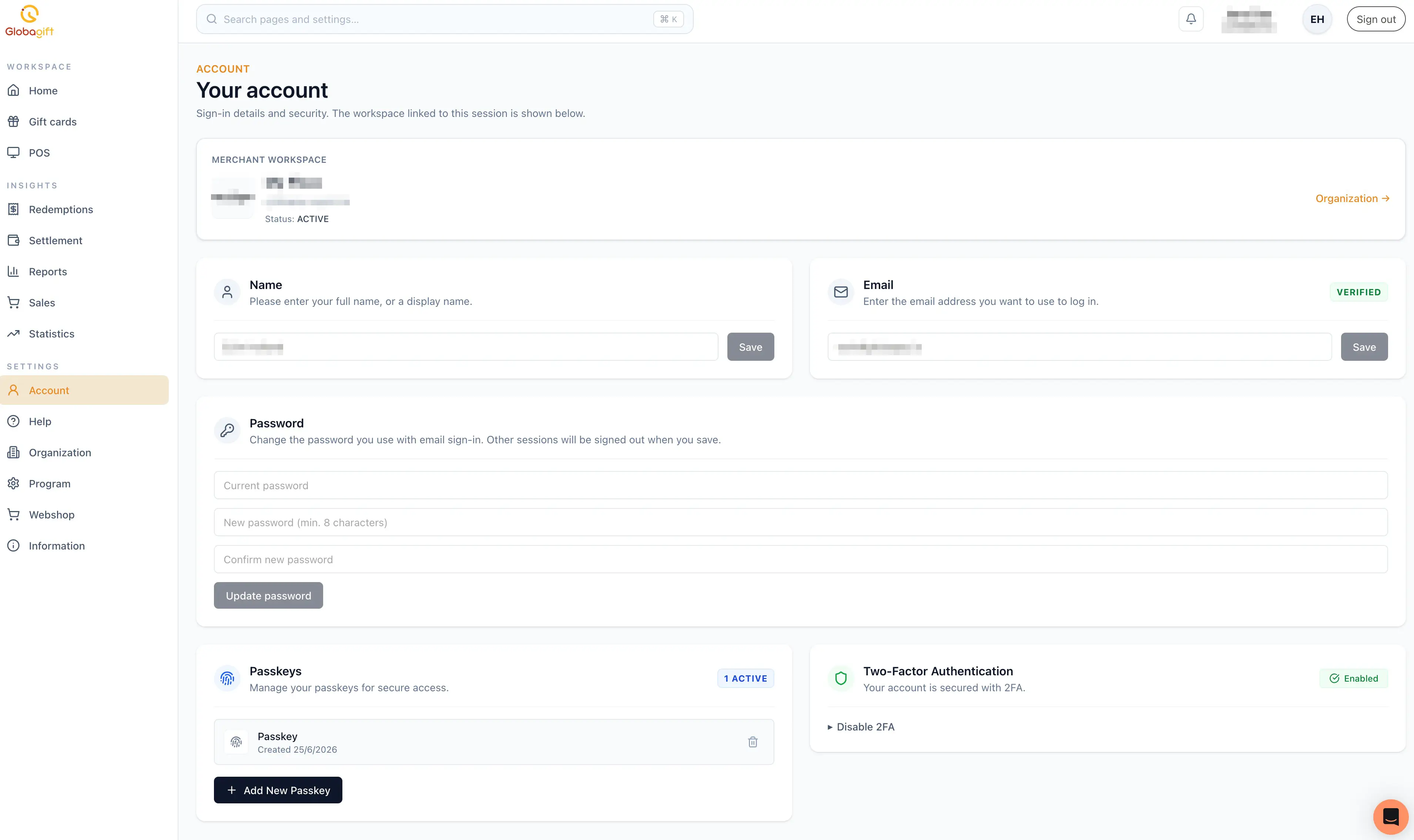
Merchant workspace
At the top of the page, a card shows which merchant workspace is linked to
your current session: the workspace name, its identifier, and its status
(for example ACTIVE). A link takes you to Organization for business-level
settings.
Name and email
Update your display name or sign-in email address independently, each with
its own Save button. Your email shows a VERIFIED badge once
confirmed.
Password
Change the password used for email sign-in. Changing your password signs out any other active sessions on other devices.
Passkeys
Manage passkeys registered for secure, passwordless access to your account. Each passkey is listed with its creation date and can be removed; select Add New Passkey to register another.
Two-factor authentication
Shows whether two-factor authentication is enabled on your account, with an option to disable it.
Security settings affect only your own login
Account is about your personal sign-in, not your team's. To manage other team members, see Organization.