
Statistics
Trends and analytics for your gift card programme.
The Statistics view is an overview of your gift card performance, with four tabs: Overview, Fraud, Sales, and Redemptions.
Time range
A control in the top right lets you switch the whole page between 7d, 14d, 30d, and 90d. Each KPI compares the selected period against the immediately preceding period of the same length, shown as a percentage change (for example "+80.4% vs previous 14-day period").
Overview tab
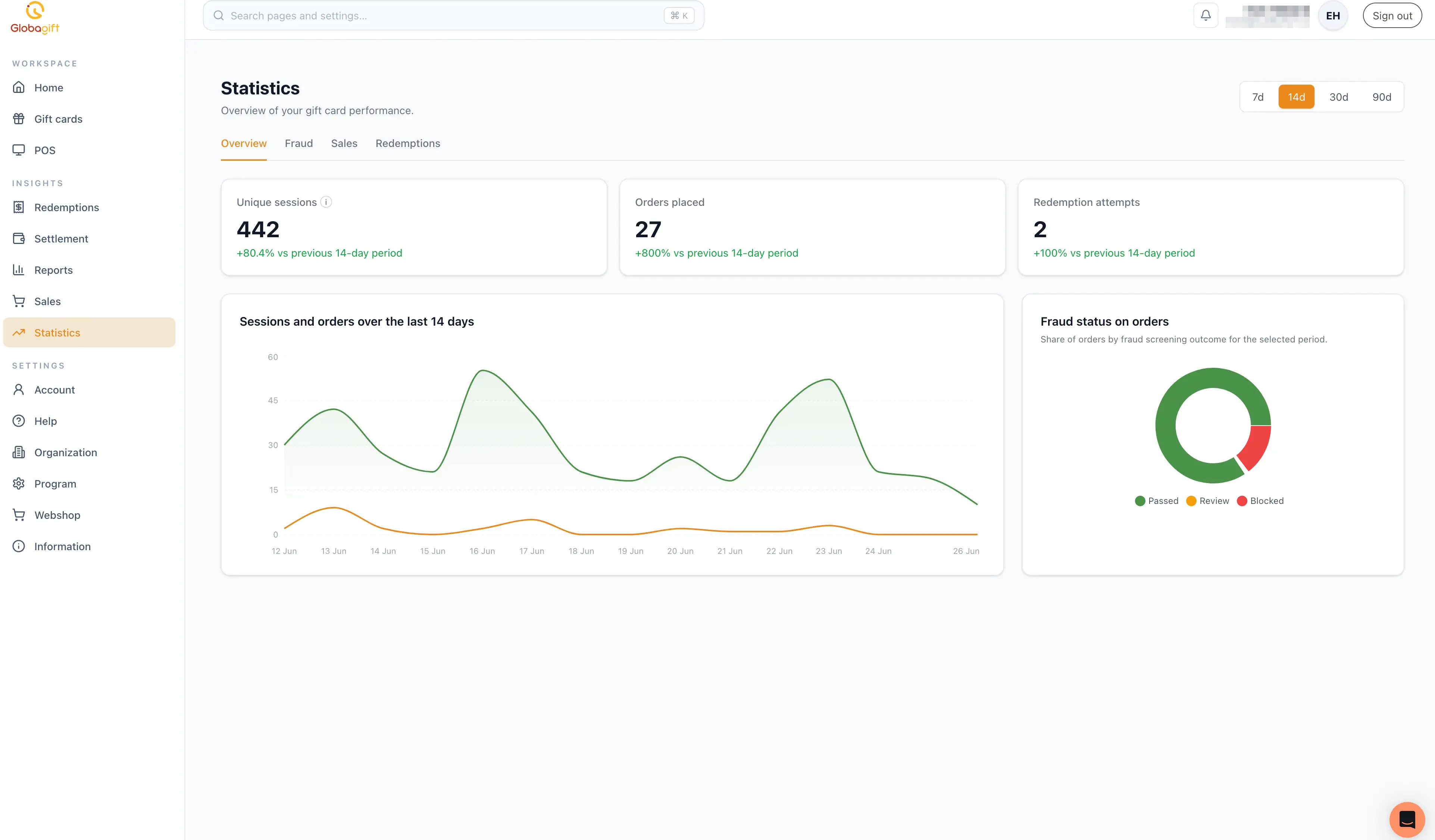
- Unique sessions: distinct visitor sessions.
- Orders placed.
- Redemption attempts.
- A sessions and orders over time chart for the selected period.
- A fraud status on orders donut chart, split into Passed, Review, and Blocked.
Fraud tab
Fraud screening detail: blocked count, under-review count, and pass rate, with a breakdown chart and a log of recent screening events.
Sales tab
Order volume and revenue detail for the selected period: orders placed, completed orders, gross revenue, and average completed order value, with a daily trend and breakdowns by order status and payment status.
Redemptions tab
Redemption activity detail for the selected period: attempts, successes, failures, and total/average redeemed value, with a daily trend and breakdowns by store and redemption source.
Sales and Redemptions may not both be available
Depending on how your account is set up for settlement, only one of the Sales or Redemptions tabs may show full data; the other may be limited or unavailable. This mirrors the same setup that governs the Sales and Redemptions sections in the main sidebar.